Free Design Tools for Non-Designers: Look Professional Without Hiring Anyone
Most people who need design work aren't designers. They're founders building a landing page, bloggers making thumbnails, freelancers creating proposals, or small business owners putting together social posts. They don't need a full design education — they need a handful of focused tools that make their work look intentional.
Here's the free toolkit that covers 90% of non-designer design needs in 2026.
The non-designer's design problem
The gap between "looks amateur" and "looks professional" is usually not skill — it's consistency. Professional design is mostly about using the same colors, the same spacing, and the same visual language throughout. The tools below help you establish that consistency without a design background.
Professional design is mostly about consistency. Pick a palette, stick to it, and everything else falls into place.
1. Color Palette Generator: your brand in 60 seconds
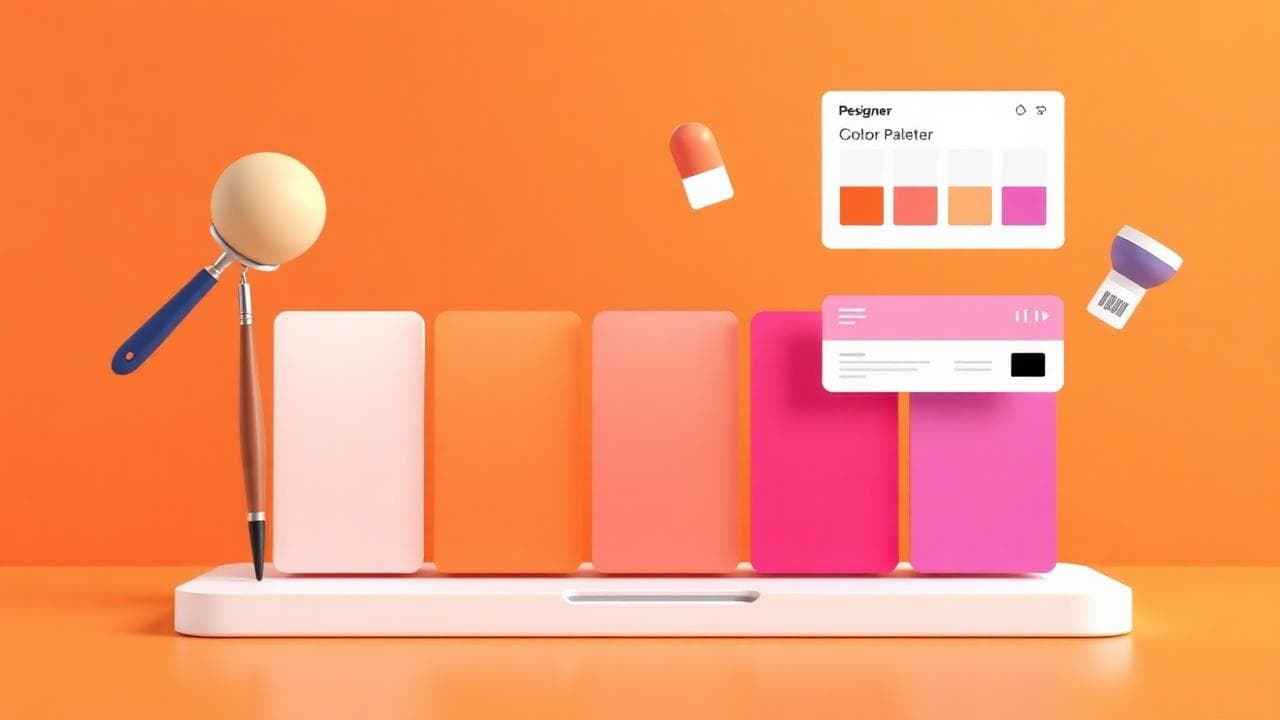
Color is the fastest way to make something look designed. A consistent palette across your website, social posts and documents signals professionalism immediately.
The Color Palette Generator creates harmonious palettes from a single starting color. Pick your brand color, generate a palette, and use those exact hex codes everywhere. No more guessing which shade of blue to use.
Read the best color palettes for modern design for the principles behind palettes that work, even if you're not a designer.
2. CSS Gradient Generator: beautiful backgrounds without Photoshop
Gradients make hero sections, social cards and Notion covers look polished. The CSS Gradient Generator lets you build them visually and copy the CSS, or just screenshot the preview for use in Canva or Google Slides.
The key to gradients that look professional: stay within 60–90° of the color wheel. Blue to violet works. Blue to orange creates a muddy middle. Read the complete CSS gradients guide for more.
3. Image Compressor: fast pages, better impressions
A slow-loading website or heavy email attachment undermines the professional impression you're trying to create. The Image Compressor reduces file sizes dramatically without visible quality loss, and it runs entirely in your browser so nothing is uploaded to a server.
Compress every image before you publish it. A 200 KB image loads in a fraction of the time of a 2 MB one and looks identical. Read the full guide on compressing images without losing quality.
4. QR Code Generator: bridge print and digital
Business cards, flyers, packaging and presentations all benefit from a QR code that links to your website, portfolio or contact page. The QR Code Generator creates clean, high-resolution codes in seconds — free, no watermark, ready for print.
5. Text Case Converter: fix formatting instantly
Inconsistent capitalization is one of the most common signs of amateur work. The Text Case Converter fixes it in one click — title case for headings, sentence case for body text, and everything in between.
The non-designer's design checklist
- Colors: Pick 2–3 colors and use them everywhere. Generate your palette with the Color Palette Generator.
- Typography: Use one font for headings, one for body. Google Fonts has excellent free options.
- Spacing: More white space than you think you need. Crowded layouts look amateur.
- Images: Compress everything with the Image Compressor before publishing.
- Consistency: Same colors, same fonts, same spacing — everywhere.
What you don't need
You don't need Figma, Photoshop, Illustrator or any paid design tool for most non-designer use cases. Canva covers layout and social posts. The tools above cover color, gradients and image optimization. That's 90% of what most people actually need.
Save the design budget for when you genuinely need custom illustration, complex UI design, or brand identity work. For everything else, free browser tools are faster and more than good enough.
Frequently Asked Questions
Do I need design skills to use these tools?
No. Every tool listed is designed for non-designers — visual interfaces, instant results, no learning curve.
Are these tools really free?
Yes. Every tool on Sounez is 100% free, no signup, no hidden limits.
What's the single most impactful design change a non-designer can make?
Pick a consistent color palette and use it everywhere. It's the fastest way to go from "looks random" to "looks designed". Start with the Color Palette Generator.
Can I use these tools for client work?
Yes. There are no restrictions on commercial use of the output from Sounez tools.
Conclusion: consistency is the skill
You don't need to become a designer. You need to be consistent. Pick a palette with the Color Palette Generator, build a signature gradient with the CSS Gradient Generator, and compress every image with the Image Compressor. That's the whole system. Browse all design tools for more.
Comments (0)
- Be the first to comment.
Written by
Nesou shares practical online tools, creator resources, and productivity tips designed to simplify digital workflows. About Sounez →
Ready to put this into action?
Open Color Palette Generator and try it now. Free, no signup.